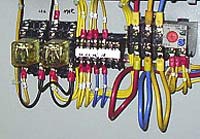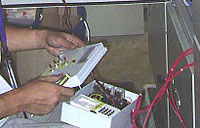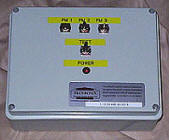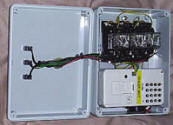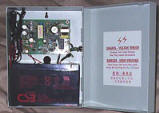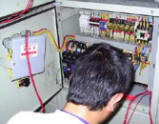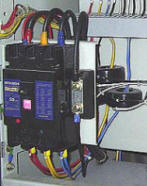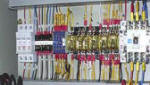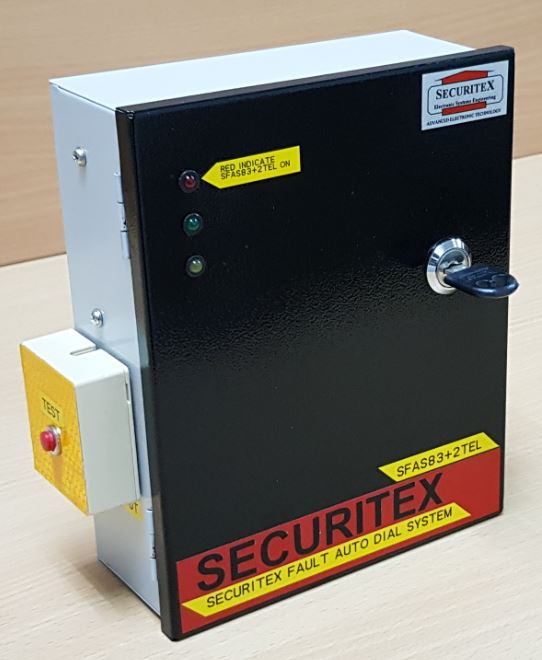
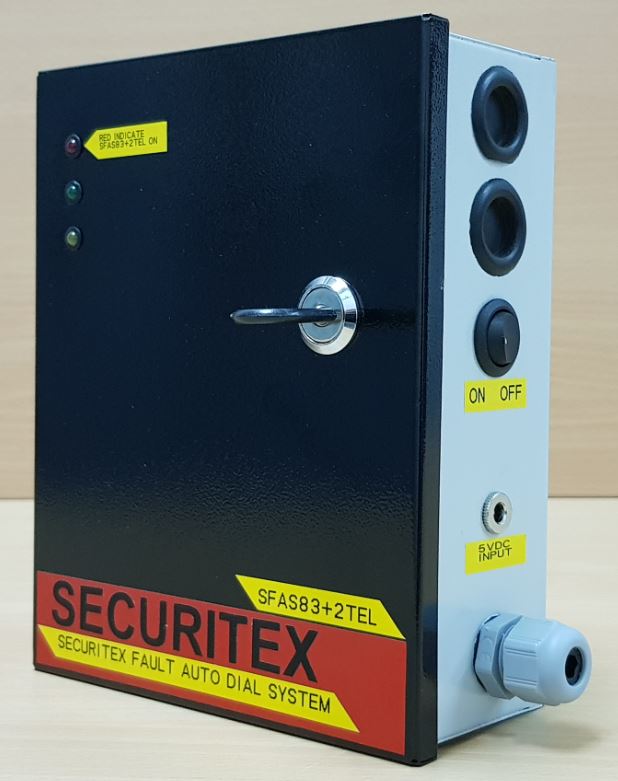
Activation of critical equipment using the mobile phone for industrial, oil and gas refinery or construction site.
The GSM3G/4G Integrated to SFAS83+2TEL was designed to allow operation staff to use their mobile phone to operate the automated machine On The Go (OTG). up to 1000 registered users can call in to the Control the machine they are working on or monitoring to operate it with their mobile phone or regular phone with no cost of a call to the user – Absolutely Free of Charge!
How to operate is simple. Just call the GSM3G/4G Integrated to SFAS83+2TEL SIM card number. The system will authenticate the caller mobile number, if the number match the user data base, a signal will be send to the machine controller to operate the machine, if the number is not in the data base the request will be aborted.
Do the owner of the GSM3G/4G Integrated to SFAS83+2TEL need IMDA license to operate?
No extra IMDA license is needed if the unit is Purchase from Securitex as we have already gotten the license and approval for the system to be use in Singapore.
Can the GSM3G/4G Integrated to SFAS83+2TEL be monitored?
Yes it can be monitored by the building owner or operation staff. Each time the machine is operated remotely the owner can set it to send an SMS to the main monitoring station and built manager.
Is there an internal log to know which number activate the GSM3G/4G Integrated to SFAS83+2TEL?
Yes there is an internal historical logging that keeps the caller mobile phone number, date and time.
Can I use a land line PSTN phone to operate the GSM3G/4G Integrated to SFAS83+2TEL?
Yes 100% you can and you can call in from anywhere even overseas to operate the GSM3G/4G Integrated to SFAS83+2TEL on the machine even when you are not at the site.
Can the GSM3G/4G Integrated to SFAS83+2TEL integrated to 3rd party remote control system to operate the critical machine ?
Yes 100% can and with this integration it make the GSM3G/4G Integrated to SFAS83+2TEL even more powerful.
Can the GSM3G/4G Integrated to SFAS83+2TEL integrated to an RFID system to operate say field electrical control panel or sub station door.?
Yes 100% can and with this integration it make the GSM3G/4G Integrated to SFAS83+2TEL even more powerful. When the system is integrated to this field door it can be design and set to automatic close, this door will open for the preset time and will close automatically this will improved the security of the panel even more.
Can the GSM3G/4G Integrated to SFAS83+2TEL integrated to our building Security alarm and roller shutter doors?
Yes this can be done.
Can the GSM3G/4G Integrated to SFAS83+2TEL be use on office doors?
Yes absolutely can and it can be easily integrated to the door access control system.
Can the owner access the GSM3G/4G Integrated to SFAS83+2TEL function remotely from his or her mobile phone?
Yes all the function and status can be control and retrieve using the owner mobile phone anytime and anywhere as long as there is 3G network.
Can the GSM3G/4G Integrated to SFAS83+2TEL be control using SMS. Call in or Apps?
Yes absolutely the GSM3G/4G Integrated to SFAS83+2TEL can be control using the 3 methods mention.
Can the GSM3G/4G Integrated to SFAS83+2TEL be set such that certain user can only operate the gate at certain time?
Yes this feature is part of the GSM3G/4G Integrated to SFAS83+2TEL function.
Can owner programmed and set the GSM3G/4G Integrated to SFAS83+2TEL using a PC?
Yes the GSM3G/4G Integrated to SFAS83+2TEL can be set and preprogrammed using a software supplied with the system.
Can GSM3G/4G Integrated to SFAS83+2TEL install near PC for system programming at the same time user can activate the system to open doors and stop machines?
Yes. User can install the GSM3G/4G Integrated to SFAS83+2TEL beside the PC to input the authorized user telephone number. Once this is done the user can call the system at say admin office at level 2 and the gate is at level 1 to activate the gate up to 30m away line of sight.
Can the GSM3G/4G Integrated to SFAS83+2TEL inform the owner when the system is AC failure?
Yes the system can sent an AC failure SMS to the authorized user when the AC power to the system is down.
Can the GSM3G/4G Integrated to SFAS83+2TEL still function without the 230VAC power?
Yes the system can still activate as there are back up power supply to power the system for at least 7 hrs.
Can we use the GSM3G/4G Integrated to SFAS83+2TEL to control lights?
Yes 100% you can.
Can we use GSM3G/4G Integrated to SFAS83+2TEL to turn off our warehouse, factory alarm siren?
Yes you can.
Can we use GSM3G/4G Integrated to SFAS83+2TEL to lock down our high security area system in the even of emergency?
Yes you can integrate the system to the high security area security system.
We have a remote control station and environment data collection facility in the mountain and we want to control the Air-condition & power supply, can GSM3G/4G Integrated to SFAS83+2TEL be use?
Yes 100% you can use the GSM3G/4G Integrated to SFAS83+2TEL to control and feed back the status to you.